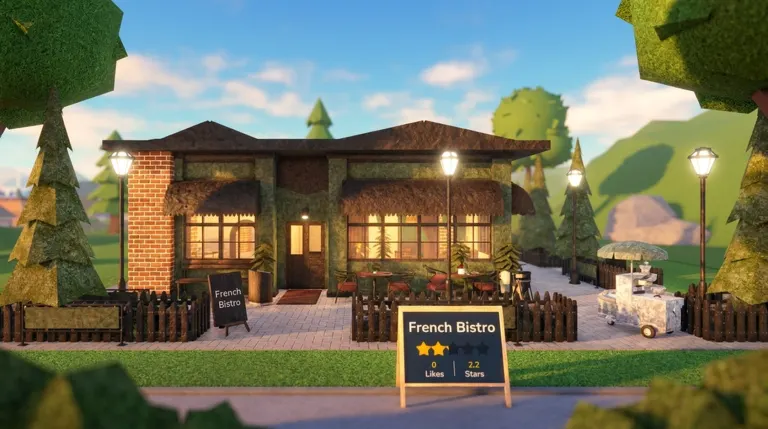
The restaurant tycoon 3 vip upgrade for VIP-only tables is called Restaurant Controls. It costs 950 Cash and requires Manager Desk. Purchase it through the upgrades menu, then select a table in Build Mode, open Edit, and enable VIP only to reserve that table for VIP customers.
Cost and Required Upgrades
If you are starting without any prerequisites, budget 2,250 Cash for the complete upgrade chain. The Restaurant Tycoon 3 Wiki’s upgrades page lists the following requirements and prices:
| Purchase order | Upgrade | Individual cost | Total spent from scratch |
|---|---|---|---|
| 1 | Basic Advertising | 600 Cash | 600 Cash |
| 2 | Manager Desk | 700 Cash | 1,300 Cash |
| 3 | Restaurant Controls | 950 Cash | 2,250 Cash |
Basic Advertising has no prerequisite. It unlocks access to Manager Desk, which then unlocks Restaurant Controls.
Your remaining cost depends on what you already own. With Basic Advertising purchased, you need 1,650 Cash for the final two upgrades. With Manager Desk already purchased, you only need the 950 Cash for Restaurant Controls. These totals cover the upgrades themselves.
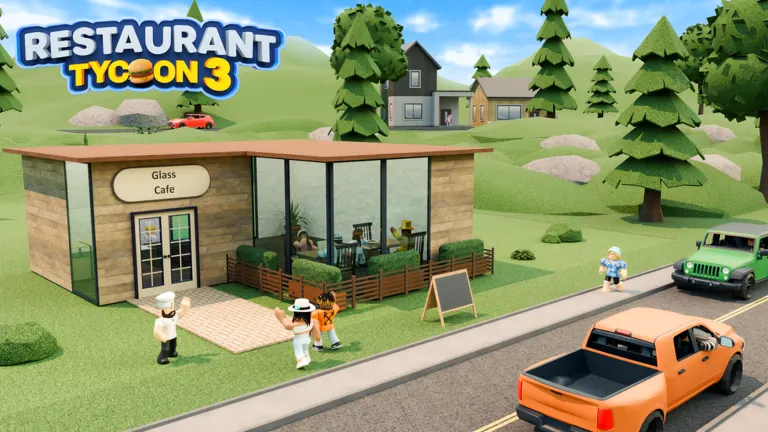
How to Make a Table VIP Only
After purchasing Restaurant Controls, configure the table you want to reserve:
- Open Build Mode.
- Select the table itself.
- Open Edit.
- Enable the VIP only option.
- Add a VIP sign if you want a visible label.
The Restaurant Controls walkthrough on YouTube demonstrates this process and also identifies the upgrade’s price as 950 Cash. It specifically selects the table to reach the VIP setting, so selecting a chair is an easy mistake to check if you cannot find the option.
The walkthrough uses an unoccupied table. Following that example gives you a straightforward starting point when setting up your first VIP seating area.
If the setting is missing, check that you purchased Restaurant Controls after unlocking Manager Desk, then select the table again and open its editing options.
What Restaurant Controls Unlocks
VIP seating is one part of this upgrade. The wiki’s upgrade listing also names staff access restrictions for doors, stairs, and elevators.
- VIP-only tables: Reserve selected tables for VIP customers.
- Staff-only doors: Restrict access through selected doors to staff.
- Staff-only stairs and elevators: Restrict selected routes between floors to staff.
The YouTube walkthrough demonstrates staff settings through an object’s Edit menu, including staff signs and a rope option for stairs. These controls let you configure particular objects as you organize your restaurant.
Ultraw’s VIP table tutorial also identifies Restaurant Controls as the upgrade used for VIP tables. Community tutorials sometimes call it the “VIP upgrade,” but Restaurant Controls is the name to look for when purchasing it.

FAQ
How much is the restaurant tycoon 3 vip upgrade?
Restaurant Controls costs 950 Cash. Buying its prerequisites, Basic Advertising and Manager Desk, brings the complete purchase path to 2,250 Cash.
Do I select the table or a chair?
Select the table itself, then open Edit to access the VIP-only setting. The YouTube walkthrough explicitly demonstrates this distinction.
Does the upgrade guarantee more VIP customers?
A specific VIP arrival-rate increase has not been officially confirmed for Restaurant Controls. Its documented VIP function is allowing you to reserve tables. Treat it as a seating control when deciding whether to buy it.
Can I create a large VIP table?
Ultraw’s VIP table tutorial describes setups for 12, 16, or more seats. Those examples should not be treated as a confirmed maximum. The relevant upgrade remains Restaurant Controls, and the VIP setting is applied to the table.